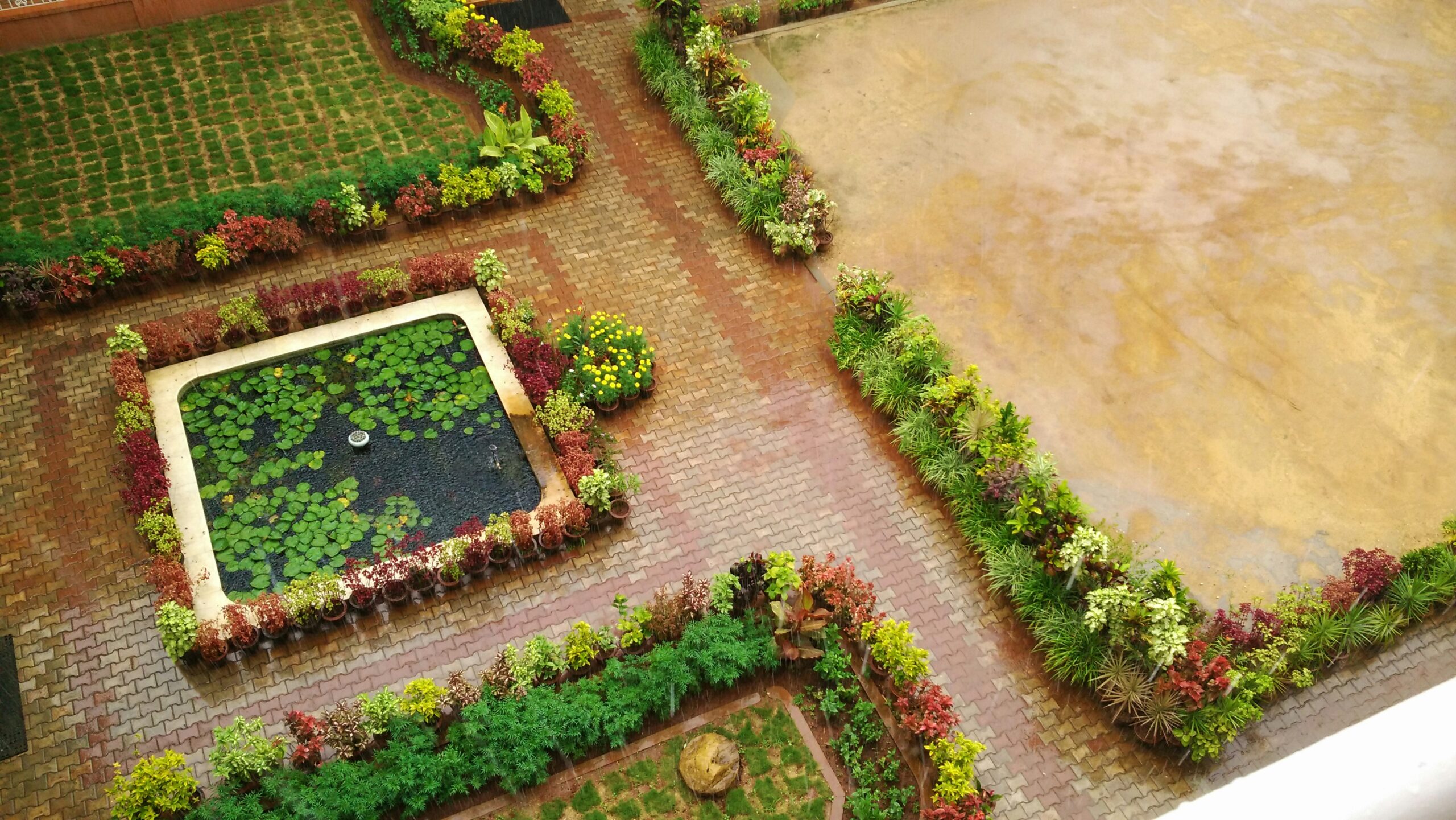
There’s a moment every gardener knows well, standing in the backyard, coffee in hand, imagining where the patio could go, where a hedge might create privacy, and whether there’s actually enough room for that vegetable patch and a seating area.
The ideas feel clear in your head. The reality, once the shovel comes out, is usually more complicated.
That’s precisely where a 3D garden planner earns its place in your toolkit. Before a single plant goes in the ground or a paving slab gets laid, a good digital planning tool lets you map, visualise, and stress-test your entire design at no cost other than a few hours of your time.
Why Visual Planning Changes Everything?
Most garden mistakes aren’t about choosing the wrong plant. They’re about placement: a sun-loving rose shoved into a shady corner, a path that leads nowhere satisfying, a deck that blocks the kitchen window’s view of the garden rather than framing it.
Sketching on paper helps, but it has limits. A 3D garden planner removes the guesswork by letting you build a true-to-scale digital replica of your outdoor space. You can drag elements around, switch perspectives, and “walk through” your design before any physical work begins. The result is a garden that functions the way you imagined because you’ve already lived in it virtually.
Key advantages of going digital before you dig:
- Test layouts without consequences. Move a pergola three metres to the left in seconds. Do that in real life, and you’re re-concreting footings.
- Avoid expensive material waste. Knowing exact dimensions means ordering the right amount of paving, gravel, or fencing from the start.
- Check sightlines. Look from your kitchen or living room into your virtual garden. If the view doesn’t please you on screen, it won’t please you in reality either.
- Understand sun and shade. Many tools let you simulate sun movement throughout the day, which is critical for deciding where sun-loving plants go versus shade-tolerant ones.
- Plan for mature plant sizes. A young shrub looks manageable. That same shrub at five years can overwhelm a small bed. 3D tools that show mature growth help you space correctly from day one.
Step 1: Define What You Actually Want From Your Garden.
Good garden design always starts with a brief, and that means thinking about how you want to live in the space before you think about what it will look like.
Ask yourself: Do you need room for children to run around freely? Are long summer lunches with friends a priority? Would a kitchen garden add genuine value to your daily routine, or would a quiet, low-maintenance retreat suit you better?
Write these priorities down before you open any software. Small gardens in particular rarely accommodate every wish, and having a clear hierarchy of needs will guide every decision that follows, from where paths go to how much space gets given over to planting versus hard landscaping.
Step 2: Measure Your Space Accurately
No 3D planner can give you reliable results without accurate measurements to feed into it. This step feels tedious, but it’s the foundation on which everything else rests.
Measure the full perimeter of your garden and note the location of any existing structures, sheds, walls, mature trees, and raised beds that you plan to keep. Mark areas with known drainage problems and note which parts receive full sun, partial shade, or deep shade at different times of day.
Once you have these figures, you can input them into your chosen tool and work with a plan that accurately reflects your space rather than an approximation of it.
Step 3: Start With Structure, Not Plants
Professional garden designers always establish the hard structure of a garden first, the bones, and only then layer in planting. Your 3D planning process should follow the same logic.
Begin by placing the larger permanent elements: patio or deck areas, main pathways, screens or fencing, storage, and any features like a firepit or water element. Use the tool’s drag-and-drop interface to experiment with different shapes and positions. Curved beds can soften a boxy space; crisp, geometric lines complement contemporary architecture. Try both and see which sits better.
Getting this structural layer right is far more important than any individual plant choice. A well-structured garden with modest planting will always look better than an unstructured one filled with beautiful specimens.
Step 4: Add Plants
Once the structure is settled, the planting stage begins, and this is where 3D tools really earn their keep.
A good planner’s plant library lets you filter by sun requirements, mature height, spread, and sometimes flower colour or season of interest. Place your choices in context and see how they interact. A tall ornamental grass that looks elegant in isolation can completely overwhelm a narrow border when planted three abreast, something a 3D view will show you immediately.
A few principles worth keeping in mind as you plant digitally:
Layer your planting. Think in terms of ground cover, mid-level shrubs, and taller structural plants or trees. Depth and layering are what make a planting scheme feel rich rather than flat.
Consider mature size. Allow adequate space between plants, not just for aesthetics, but to avoid one specimen crowding out another within a few seasons. Most planners display mature spread as well as current size.
Match plant to place. Sun-lovers belong in south-facing beds; shade-tolerant species go where the fence or a neighbouring tree casts shadow. Tools that simulate sun movement through the day make this matching process far more accurate.
Think about year-round interest. A garden that peaks in June and looks bare by September is a missed opportunity. Use the planner to check that you have something contributing structure, colour, or texture in every season.
Step 5: Take a Virtual Walk-Through
Once the design feels right in overhead view, switch to 3D and walk through it properly. Don’t just glance, move through the space the way you would in real life. Come in from the gate. Walk along the main path. Look back at the house from the far end of the garden.
This is the step where small but meaningful problems tend to surface. A path that looked generously wide in 2D can feel cramped at ground level. A seating area positioned for privacy turns out to face a blank wall rather than the garden. A planting combination that worked on paper creates an awkward visual clash when seen in three dimensions.
As a general guide, main garden paths should be at least 900mm wide to feel comfortable for two people. Secondary paths can be narrower, but anything below 600mm will start to feel like a squeeze. Check these dimensions in your walk-through before committing to them in reality.
Step 6: Check the Practical Details
Before wrapping up your digital plan, run through a practical checklist:
- Drainage: Does your design direct water away from the house and toward permeable surfaces or drainage points?
- Access: Can you get a wheelbarrow or lawnmower where it needs to go?
- Maintenance reach: Are your beds a width you can comfortably tend from one side, or will you be standing on the soil to reach the middle?
- Lighting: If you plan to use the garden in the evenings, have you thought about where external lighting will go? Some planners allow you to model this, too.
- Storage: Tools, cushions, the lawnmower. Do you have enough storage designed into the space?
These aren’t glamorous questions, but the gardens that work best long-term are the ones where they were answered honestly at the planning stage.
Recommended 3D Garden Planning Tools
The market for garden planning software has expanded considerably. Here’s a snapshot of the main options currently available:
Planner 5D: A free, browser-based tool with an extensive library of plants, hardscape elements, and outdoor furniture. Design in 2D, then switch to a 3D walk-through view instantly. The free version is robust; a premium tier unlocks a larger plant catalogue.
GardenBox 3D: Purpose-built for homeowners rather than professionals, with an emphasis on visualising mature plant sizes and testing combinations before purchase. Particularly strong for those planning around sun/shade patterns.
Garden Planner (Small Blue Printer): A desktop application (one-time purchase, no subscription) with both 2D and 3D views. Reliable and well-established, with regular updates to its plant and object library.
iScape: Uses augmented reality to overlay design elements onto a photo of your actual garden. Particularly useful for visualising changes to an existing space rather than designing from scratch.
SmartDraw: A more structured, CAD-adjacent tool that suits those who want precise, dimensioned drawings alongside 3D visualisation. Has a live chat support feature that’s genuinely useful when you get stuck.
Home Design 3D Outdoor & Garden: Lets you plot exact dimensions and build up from a blank or pre-designed canvas, adding everything from sheds to planting and garden furniture. Note that the free version doesn’t allow saving, so the in-app purchase is worth it for anyone working on a final design.
Common Mistakes a 3D Plan Helps You Avoid
The path to nowhere. A path needs a clear purpose and destination. In the excitement of designing, it’s easy to add meandering routes that look pretty on a plan but feel purposeless underfoot. A 3D walk-through exposes these immediately.
Zoning conflicts. A quiet reading corner placed beside a children’s play area, or a vegetable patch in heavy shade, these mismatches are obvious in a well-laid-out plan but easy to miss when designing room by room.
The shading surprise. A fence, neighbouring wall, or established tree can throw much more shadow than expected, particularly in winter when the sun sits low. Sun-simulation features in modern planners reveal these blind spots before you’ve planted anything.
Overcrowding. One of the most common planting errors is fitting in too much because each plant looked small at purchase. A planner showing mature sizes makes it visually obvious when a bed has been over-specified.
When You Don’t Need a 3D Planner?
Not every gardening project warrants a full digital design process. If you’re adding a few perennials to an established border, replacing a dead shrub, or planting a small container display, a 3D planner is overkill.
These tools genuinely earn their value on larger projects, new builds, complete redesigns, the addition of significant hard landscaping, or any project where getting the spatial relationships wrong would be costly to undo.
For smaller tasks, a good plant identification app, a soil analysis tool, or a planting calendar app will serve you better.
Conclusion
The time spent planning digitally before breaking ground is rarely wasted. A few hours in front of a screen can spare you weeks of remedial work outside, and the satisfaction of seeing your finished garden match what you imagined is considerably greater when you’ve seen it and refined it, in 3D first.
FAQs
Do I need any design experience to use a 3D garden planner?
No. The major tools are built for homeowners with no professional background. Drag-and-drop interfaces make them accessible from the start, and most offer tutorial content to get you going quickly.
How accurate does my plan need to be?
The more accurate your measurements, the more useful the plan. Even rough dimensions are better than none, but if you’re making decisions about paving or decking quantities, accurate measurements will save you money on materials.
Can I use a 3D planner to redesign an existing garden rather than start fresh?
Tools like iScape are specifically designed for this, using photos of your current space. Others let you input existing structures and planting and work around them.
Are these tools suitable for small gardens?
Yes, they’re more useful for small spaces, where every square metre matters and poor spatial decisions have a more pronounced impact.
Can I share my plan with a contractor or garden designer?
Most tools allow you to export or share plans. This is particularly helpful if you’re handing the physical work over to someone else. A clear visual plan reduces misinterpretation and ensures the result matches your vision.